You open Developer Options on your Android phone, find the Bluetooth Audio Codec setting, switch it to LDAC, and wait for the improvement. Sometimes it comes. Sometimes it doesn’t. And sometimes the audio stutters or drops quality in a way that makes you wonder why you bothered. The reason LDAC gives such inconsistent results is that its value depends entirely on three things that have nothing to do with the codec itself: the phone you are using, the headphones you are paired with, and the audio source you are playing from. Get all three right and LDAC makes a real difference. Get one of them wrong and you are burning battery for nothing.
This covers what LDAC actually delivers at each bitrate, where it helps, and where switching to AAC is the smarter call.
The short answer: it depends on three things
LDAC is worth enabling if your phone supports it properly, your headphones support it, and you are listening to a lossless or high-resolution audio source. If you need a full breakdown of what the codec is and how it works before reading further, the what is LDAC guide covers the technical background.
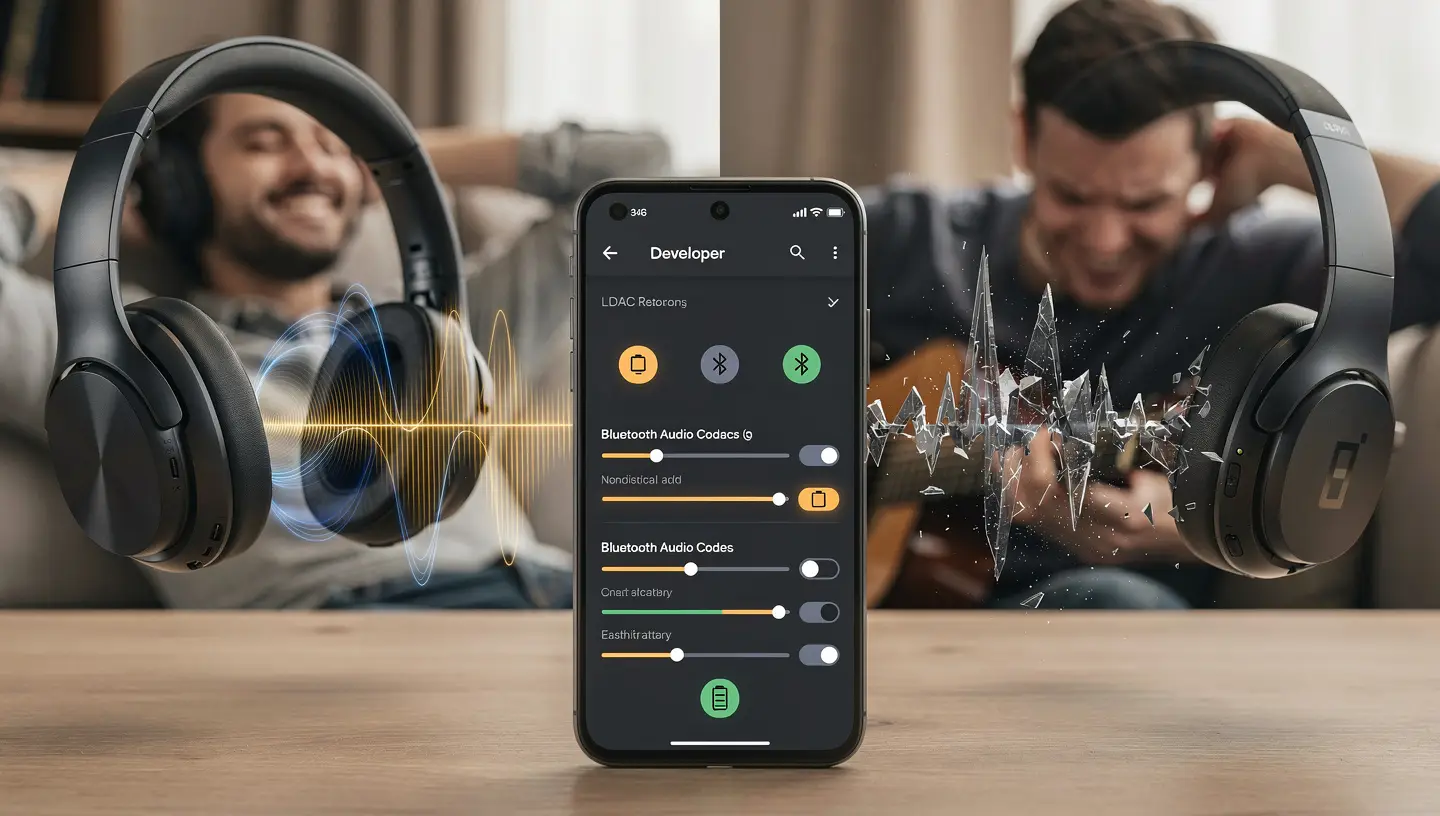
All three conditions need to be true at the same time. If your source is Spotify, the codec has nothing to work with regardless of how stable the signal is. If your signal is unstable, the codec falls to 330 kbps and sounds worse than SBC. If your headphones are budget models with basic drivers, they cannot resolve the additional detail that LDAC transmits. One condition failing is enough to make the battery cost not worth it.
What LDAC actually delivers at each bitrate
LDAC is not a single quality setting. It operates across three bitrate tiers and the difference between the top and bottom tier is large enough that they might as well be different codecs. Most of the marketing language around LDAC refers only to the top tier, which creates unrealistic expectations about what you will actually hear in daily use.
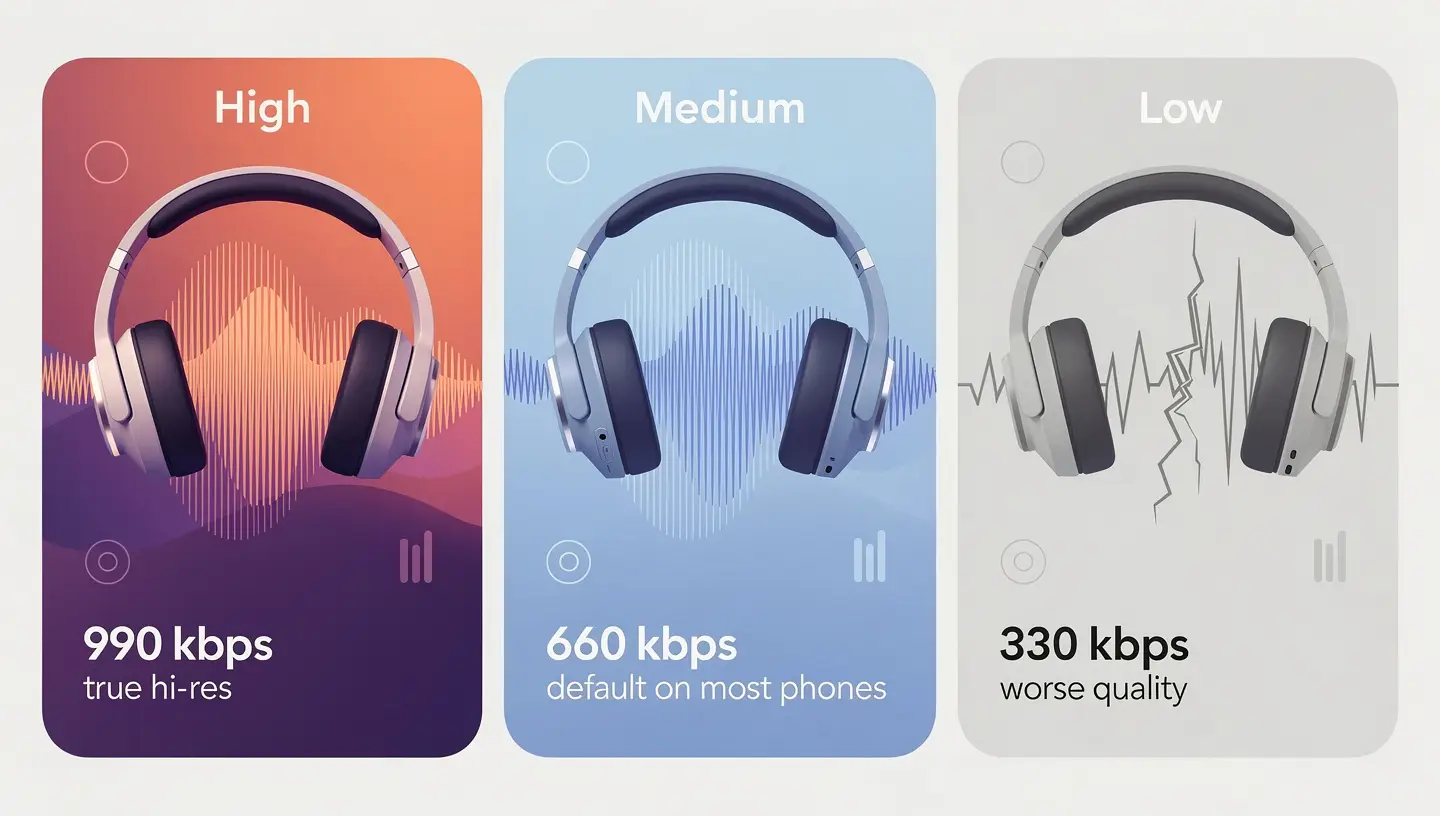
990 kbps: the only setting that qualifies as hi-res
At 990 kbps, LDAC transmits audio data up to 47 kHz before rolling off, which technically qualifies for Hi-Res Audio Wireless certification. SoundGuys measured the frequency response at this setting and confirmed it reaches 47 kHz, matching Sony’s claim. The noise floor at 990 kbps sits around -116 dB across most of the audible range, which is better than a dithered CD. This is the setting that justifies the codec existing. It is not lossless and it does not match wired 24-bit/96 kHz playback, but the gap between LDAC 990 kbps and a wired source is small enough that most listeners cannot identify it in a blind test.
The catch is that most Android phones do not default to 990 kbps. They default to an adaptive mode that stays at 660 kbps for connection stability. To force 990 kbps, you need to go into Developer Options, select LDAC as the codec, and manually change the quality setting to “Best effort.” Even then, any signal instability causes the codec to drop.
660 kbps: what most phones actually use by default
At 660 kbps, LDAC rolls off steeply at 30 kHz. That is above the 20 kHz limit of human hearing, so the frequency response is still fine for music. The noise floor sits around -102 dB above 5 kHz, which is decent but not at the level 990 kbps reaches. This is the setting that most phones use when you enable LDAC without manually changing anything in Developer Options. It sounds noticeably better than SBC and AAC on high-resolution source material, and for most listeners it represents the realistic ceiling of what LDAC delivers in practice.
330 kbps: worse than SBC and when it kicks in
At 330 kbps, LDAC falls apart. The frequency response drops at 18 kHz with a steep, high-ripple filter. The noise floor hits -35 dB at 15 kHz, which is audibly bad and worse than standard SBC by a significant margin. SoundGuys’ measurements show the 330 kbps setting has the worst high-frequency performance of any Bluetooth codec they have tested. Sony’s claim that this setting “achieves higher sound quality than conventional codecs” does not hold up to measurement.
This setting kicks in automatically when the Bluetooth signal weakens: when you walk away from your phone, when there are thick walls between devices, or when a dense 2.4 GHz environment from Wi-Fi networks and other Bluetooth devices forces the codec to drop. If LDAC is falling back to 330 kbps regularly during your commute or in your office, you are getting worse audio than if you had stayed on AAC. Switching to AAC in those conditions gives you a cleaner signal at a lower and more consistent bitrate.
Does your source actually have anything for LDAC to transmit
This is the question that most LDAC discussions skip. The codec can only transmit detail that exists in the source file. If the source audio is already compressed, LDAC has nothing extra to send, and the higher bitrate buys you nothing over AAC.
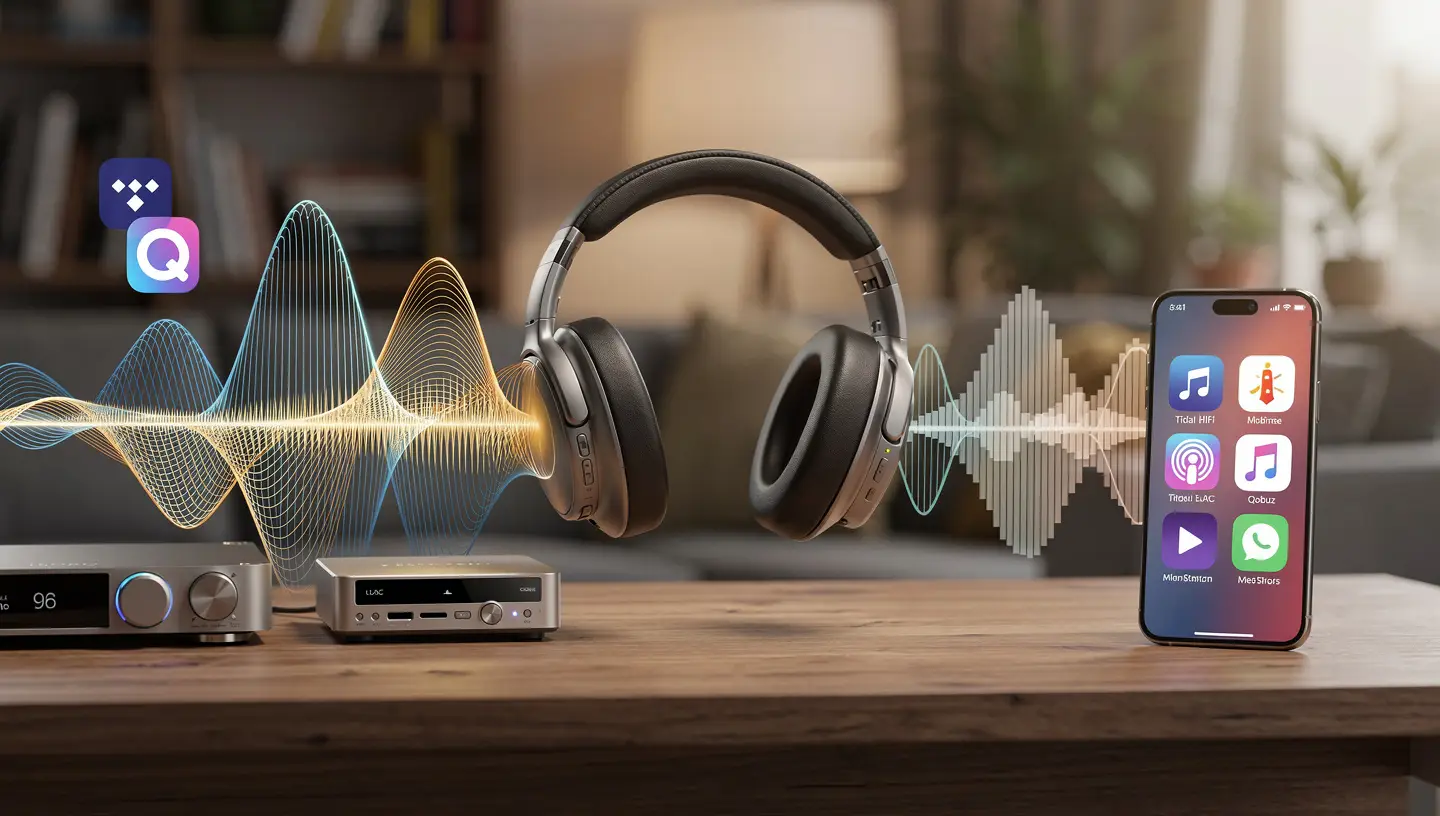
Lossless streaming: Tidal HiFi, Qobuz and local FLAC files
LDAC earns its battery cost when the source is lossless or high-resolution audio. Tidal HiFi Plus, Qobuz, Amazon Music HD, and local FLAC or ALAC files all contain audio data that LDAC at 660 or 990 kbps can transmit more faithfully than AAC. The difference is audible on good headphones, particularly in instrument separation, high-frequency detail, and the sense of space around vocals. This is the use case LDAC was built for, and it delivers here. If this describes your listening setup, LDAC is worth enabling and worth the battery cost.
Spotify, YouTube Music and Apple Music: where LDAC makes no difference
Spotify streams at up to 320 kbps in compressed OGG Vorbis format. YouTube Music streams in AAC at 256 kbps. Apple Music’s standard streams are AAC at 256 kbps. None of these sources contain the high-resolution data that LDAC is designed to carry. When you stream Spotify through LDAC, the codec is receiving a 320 kbps compressed file and re-encoding it into a higher-bitrate container. You are not adding detail that was never in the source. The audio going into LDAC and coming out of it contains the same information it would have over AAC, because AAC can already handle a 320 kbps source without throwing anything useful away.
If Spotify or YouTube Music is your primary listening source, LDAC is not worth enabling. Switch to AAC, save the battery, and put the money you would have spent on a LDAC-capable upgrade toward a better pair of headphones instead, which will make a more audible difference than the codec.
Which phones and headphones support LDAC
LDAC requires support on both ends of the connection. Your phone needs to be able to encode the LDAC stream, and your headphones need to be able to decode it. One without the other means you fall back to whatever codec both devices share.
Android 8.0 and above: the baseline requirement
Since Android 8.0 “Oreo,” LDAC has been part of the Android Open Source Project, which means it is available on most Android phones at the operating system level. Enabling it is done through Developer Options. Tap “Build number” seven times in About Phone to unlock Developer Options, then go to Settings > System > Developer Options > Bluetooth Audio Codec and select LDAC. This works on most Android phones running 8.0 or newer, but not every phone implements LDAC with equal quality. Some phones cap out at 660 kbps even when manually set to “Best effort,” because the Bluetooth chip or firmware limits the maximum output.
Why Samsung and Pixel behave differently
Samsung Galaxy phones support LDAC but Samsung’s implementation prioritizes its own Samsung Scalable Codec for pairing with Galaxy Buds and other Samsung accessories. When pairing Samsung phones with third-party LDAC headphones, LDAC works, but the default codec selection logic can interfere. Google Pixel phones use the Tensor chip and generally implement LDAC cleanly through Android’s native stack, making them reliable for LDAC use with any compatible headphones.
iPhone and LDAC: it does not work
iPhones do not support LDAC. Apple uses AAC for Bluetooth audio and has not added LDAC support to iOS. This applies to every iPhone model regardless of which headphones you connect. If you use an iPhone, LDAC is not an option and no setting or app can change that. AAC on iPhone is well-implemented and sounds good, but it is the ceiling regardless of what the headphones support.
Headphones and earbuds that support LDAC
Sony introduced LDAC and supports it across their WH and WF headphone lines, including the WH-1000XM4, WH-1000XM5, WH-1000XM6 and WF-1000XM4. Beyond Sony, LDAC support has expanded across many brands. The best LDAC headphones guide covers the current top options across price ranges if you are shopping for a compatible pair. On the earbud side, many models at the $40 to $100 range now include LDAC, including the SoundPEATS Air5, Air5 Pro and Air6 HS.
Signal conditions: where LDAC performs and where it falls apart
The bitrate LDAC actually uses at any given moment depends on the Bluetooth signal between your phone and headphones. Understanding when LDAC holds its top tier and when it drops is important for deciding whether to enable it in your environment.
At home with a stable signal
A home environment with the phone within a few meters of the headphones, no thick walls in between, and limited 2.4 GHz interference is where LDAC performs best. The signal stays clean enough for the codec to hold 660 or 990 kbps consistently. This is the environment where LDAC’s quality advantage over AAC is most audible and most reliable. If most of your listening happens at home with a lossless source, LDAC is worth enabling and the battery cost is the only real downside.
On the move: commuting, gym and city walking
Dense urban environments with heavy Wi-Fi traffic, crowded public transport, and the physical obstacles of buildings and bodies all degrade the Bluetooth signal. LDAC drops to 660 and then to 330 kbps under these conditions, and at 330 kbps it sounds worse than AAC at a stable lower bitrate. The phone also has to work harder to maintain the LDAC connection in a noisy RF environment, which accelerates battery drain on both sides without delivering better audio. For commuting and gym use, AAC is the more practical codec because its lower bitrate gives the connection more headroom to stay stable through interference. LC3 via Bluetooth LE Audio is another option worth watching for future hardware, as it is designed for better efficiency at lower bitrates. The full comparison is in the Bluetooth LE Audio vs LDAC guide.
Battery cost of enabling LDAC
LDAC uses more battery than AAC or SBC on both the phone and the headphones. The headphones take the larger hit because the decoding chip inside them runs at near-maximum load continuously to process the denser LDAC stream. Sony’s published battery data for the WH-1000XM4 shows 30 hours on LDAC against 38 hours on AAC with all other settings equal, a difference of 8 hours or roughly 21% less battery life. At 990 kbps the drain is highest, and the gap widens further when ANC is active at the same time. The full breakdown of exactly what LDAC costs in battery terms across different bitrate and ANC combinations is covered in the does LDAC use more battery guide.
Is LDAC worth it for your specific situation
The codec question has different answers depending on how and where you listen. Here is the honest breakdown by use case.
If you stream from Spotify, YouTube Music or Apple Music
No. The source audio is already compressed below what LDAC adds any value to. Use AAC, save battery, and skip the Developer Options detour. LDAC will not improve a 320 kbps OGG Vorbis file.
If you use Tidal HiFi, Qobuz or local FLAC files
Yes, if your signal is stable. Enable LDAC and manually set it to “Best effort” in Developer Options. The additional detail in a lossless source is something LDAC at 660 or 990 kbps can transmit and a good pair of headphones can resolve. This is the one scenario where the codec makes an audible, consistent difference. To get the most from lossless sources, it also helps to understand what hi-res audio actually means and what the format requires from the playback chain.
If you have an iPhone
LDAC is not an option. iPhone supports AAC only over Bluetooth. No workaround exists. If you are buying headphones specifically for LDAC, an iPhone will not use it regardless of the headphone spec sheet.
If you commute or move around while listening
No, or at most leave it on adaptive bitrate and accept that you are often running at 660 kbps with occasional drops to 330 kbps. In dense city environments, AAC gives more consistent audio quality because it does not drop through quality tiers when the signal degrades. The practical difference between LDAC on a commute and AAC on a commute favors AAC on reliability, not quality.
If you game or watch video
No. LDAC latency sits between 200 and 300 ms, which creates visible desynchronization between audio and video. For gaming or film watching, you need a low-latency codec. LDAC was designed for audio fidelity, not timing. This is one area where aptX Adaptive has a clear advantage, with latency as low as 24 ms in gaming mode against LDAC’s 200 ms floor.
If battery life is a priority
No. LDAC draws between 10 and 20% more battery than AAC on headphones, and the gap is larger at 990 kbps. If you need the headphones to last through a full day without charging, AAC recovers several hours of playback compared to LDAC at maximum quality. The tradeoff is only worth it if the source and listening conditions justify the quality gain.
LDAC vs AAC and SBC: where each codec fits
| Situation | Best codec | Reason |
|---|---|---|
| Lossless streaming at home, stable signal | LDAC 990 kbps | Source has the data, signal can hold the bitrate |
| Lossless streaming, moving around | LDAC 660 kbps or AAC | Adaptive bitrate or stable fallback |
| Spotify, YouTube Music, Apple Music | AAC | Source is already compressed, LDAC adds nothing |
| Commuting, gym, city use | AAC | Unstable signal, LDAC drops to 330 kbps which is worse than SBC |
| Gaming or watching video | aptX Adaptive or AAC | LDAC latency of 200-300 ms causes audio-video desync |
| iPhone | AAC | LDAC is not supported on iOS, period |
| All-day use, battery matters | AAC | LDAC costs up to 8 hours of playback on some headphones |
When to turn LDAC on and when to leave it off
LDAC is worth turning on when you are at home, using a lossless audio source, the phone is within a few meters of your headphones, and battery life is not a concern for that session. Those conditions together give the codec the environment it needs to deliver what its spec sheet promises.

Leave LDAC off when your source is a compressed streaming service, when you are moving around in a city or using public transport, when you need the headphones to last all day, when you are gaming or watching video, or when you are on an iPhone. In all of those cases AAC gives you equal or better practical results with less battery drain and a more stable connection.
The codec is not a universal upgrade. It is a tool for a specific combination of circumstances. Used in the right conditions with a lossless source and stable signal, it makes a real difference. Used outside those conditions, it costs battery without paying it back in audio quality. Understanding which situation applies to your daily listening is more useful than simply turning LDAC on and assuming the improvement is there. For a full picture of how LDAC compares to other codecs across bitrate, latency and battery, the Bluetooth codec comparison guide covers every major option side by side.
If you are also weighing up whether to go with LDAC or aptX Adaptive headphones as your next purchase, the aptX Adaptive vs LDAC comparison covers the compatibility differences, latency gap and which phone types support which codec, which directly affects whether LDAC is even on the table for your setup.
Frequently asked questions
Is LDAC actually better than AAC?
At 660 or 990 kbps with a lossless source and stable signal, yes. LDAC transmits more audio data than AAC, and that translates to better instrument separation and high-frequency detail on good headphones. With a compressed source like Spotify or in an unstable signal environment where LDAC falls to 330 kbps, AAC sounds better because it delivers a consistent bitrate without dropping through quality tiers.
Should I use LDAC with Spotify?
No. Spotify streams at up to 320 kbps in compressed OGG Vorbis format. LDAC has no additional audio data to transmit from that source. AAC handles a 320 kbps stream without losing anything useful, and it does so with better battery efficiency and a more stable connection. Save LDAC for lossless sources like Tidal HiFi, Qobuz or local FLAC files.
Does LDAC work on iPhone?
No. Apple supports SBC and AAC over Bluetooth and has not added LDAC to iOS. This applies to all iPhone models. If your headphones support LDAC, they will fall back to AAC when connected to an iPhone. There is no workaround or third-party fix.
What bitrate does LDAC actually use on most phones?
Most Android phones default to an adaptive mode that stays at 660 kbps for connection stability. To force 990 kbps, go to Developer Options, select LDAC as the codec, and change the LDAC quality setting to “Best effort.” Even then, signal instability causes the codec to drop. Some phones cap at 660 kbps regardless of the setting due to chipset or firmware limits.
Is LDAC worth it for gaming?
No. LDAC latency sits between 200 and 300 ms, which creates visible desynchronization between audio and video in games and films. For gaming, aptX Adaptive at 24 to 80 ms latency is the better choice. LDAC was designed for audio fidelity during music listening, not for timing-sensitive applications.
Is LDAC worth the battery drain?
It depends on the source and environment. With a lossless source at home where the quality gain is real and audible, the battery cost is a reasonable trade-off. With a compressed streaming source or in an unstable signal environment, the quality gain disappears and the battery cost remains. Sony’s WH-1000XM4 loses 8 hours of playback on LDAC compared to AAC under identical conditions.
Is LDAC 330 kbps better than SBC?
No. SoundGuys’ measurements show that LDAC at 330 kbps has worse high-frequency performance than SBC, with the noise floor reaching -35 dB at 15 kHz. Standard SBC does not come close to that level of high-frequency degradation. If your LDAC connection is regularly falling to 330 kbps, switching to AAC or SBC gives better audio quality for that environment.