Quick Summary: If you want the short answer: AAC provides better sound quality, especially on iPhone. SBC works everywhere but with basic quality. Your choice depends on your devices and priorities. iPhone users get the best AAC experience, while Android results vary by device.
Bluetooth has limited wireless bandwidth that can’t handle raw audio data in real-time. To make streaming possible, the audio must be compressed before transmission-otherwise, you’d wait seconds for music to start playing. This compression and streaming process is handled by Bluetooth codecs.
What Are Bluetooth Codecs?
Bluetooth codecs encode and decode audio using compression so it fits within available bandwidth. This ensures the best possible audio quality without delays. Key codecs include:
SBC (Subband Codec): The basic, mandatory codec with the widest compatibility but lowest quality.
AAC (Advanced Audio Codec): Better quality than SBC, particularly optimized for Apple devices.
aptX: A higher-quality option popular on Android devices.
LDAC: Sony’s high-resolution codec for premium audio.
This guide focuses on SBC and AAC-the two most commonly encountered formats.
What Is the SBC Codec?

SBC (Subband Codec) is the universal fallback codec built into virtually all Bluetooth audio devices. As the mandatory codec in the Bluetooth A2DP standard, it ensures basic audio playback works between any compatible devices.
Technical Specifications
- Bit depth: 16-bit
- Maximum bitrate: Up to 328 kbps
- Sampling rate: Up to 48 kHz
- Latency: Relatively high (150-250 ms)
Pros and Cons of SBC
| Pros | Cons |
| Universal compatibility across all Bluetooth devices | Lower audio quality compared to advanced codecs |
| Reliable fallback when better codecs aren’t available | Noticeable latency unsuitable for gaming |
| More power-efficient than AAC | Doesn’t support high-resolution audio |
When Is SBC Used?
SBC activates automatically when:
- No other shared codec is available between devices
- The connection becomes unstable and the system falls back to it
- Using basic Bluetooth speakers or budget earphones
What Is the AAC Codec?

AAC (Advanced Audio Codec) delivers better audio quality than SBC thanks to more efficient compression algorithms. While it works across platforms, it’s particularly optimized for Apple’s ecosystem, where it serves as the default Bluetooth codec.
Technical Specifications
- Bit depth: Up to 24-bit
- Maximum bitrate: Up to 320 kbps
- Sampling rate: 44.1 kHz (CD quality)
- Latency: Medium-high (100-200 ms)
Pros and Cons of AAC
| Pros | Cons |
| Superior sound quality compared to SBC | Higher battery consumption due to complex processing |
| Excellent performance on Apple devices | Variable performance on Android devices |
| Handles music and vocals with better clarity | Still not ideal for gaming due to latency |
When Is AAC Used?
AAC activates when:
- Both devices (phone and earphones) support it
- Using Apple devices with compatible headphones
- You prioritize sound quality over absolute lowest latency
How to Check Which Codec You’re Using
On Android:
- Go to Settings > About Phone
- Tap Build Number 7 times to enable Developer Options
- In Developer Options, look for Bluetooth Audio Codec
On iPhone:
Apple doesn’t show this information. Your iPhone always uses AAC if your headphones support it, otherwise SBC.
Remember: The Codec Isn’t Everything
Your phone changes the sound more than just the codec. Other important factors include:
- Headphone quality: Better headphones show more difference between codecs
- Bluetooth version: Newer Bluetooth versions improve connection quality
- Phone processor: Phones with Qualcomm chips often handle audio better
- Audio source: High-resolution files sound better regardless of codec
SBC vs AAC: Detailed Comparison
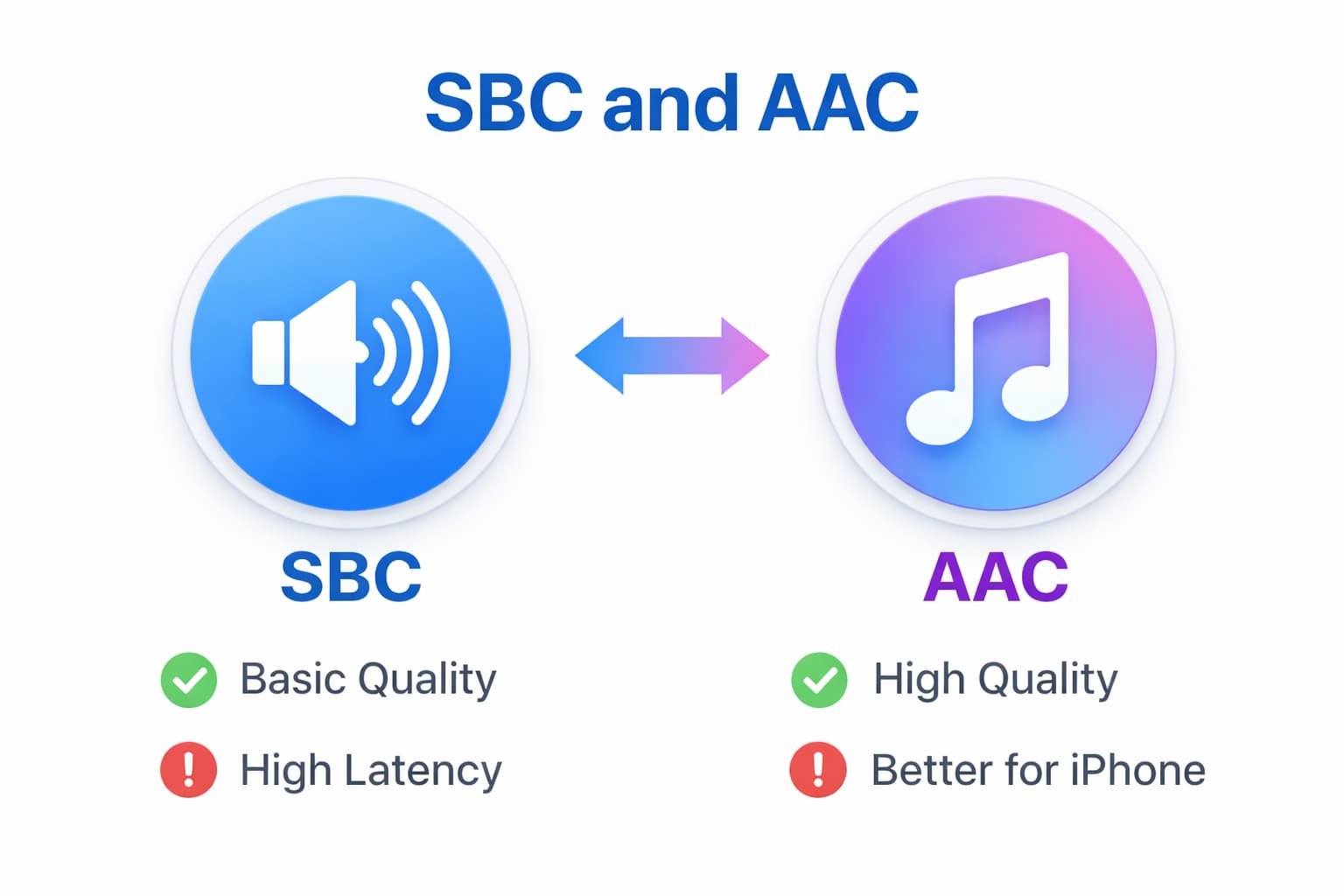
| Parameter | SBC | AAC |
| Sound Quality | Basic quality suitable for casual listening | Clearer, richer audio with better detail |
| Latency | High (150-250 ms), noticeable in videos/games | Medium-high (100-200 ms), better than SBC |
| Battery Impact | More efficient, better for battery life | Higher consumption due to complex processing |
| Android Support | Universal and reliable | Works but may have quality variations |
| iOS Support | Basic support, not optimized | Excellent, optimized performance |
| Gaming Suitability | Not recommended due to high latency | Better than SBC but still not ideal |
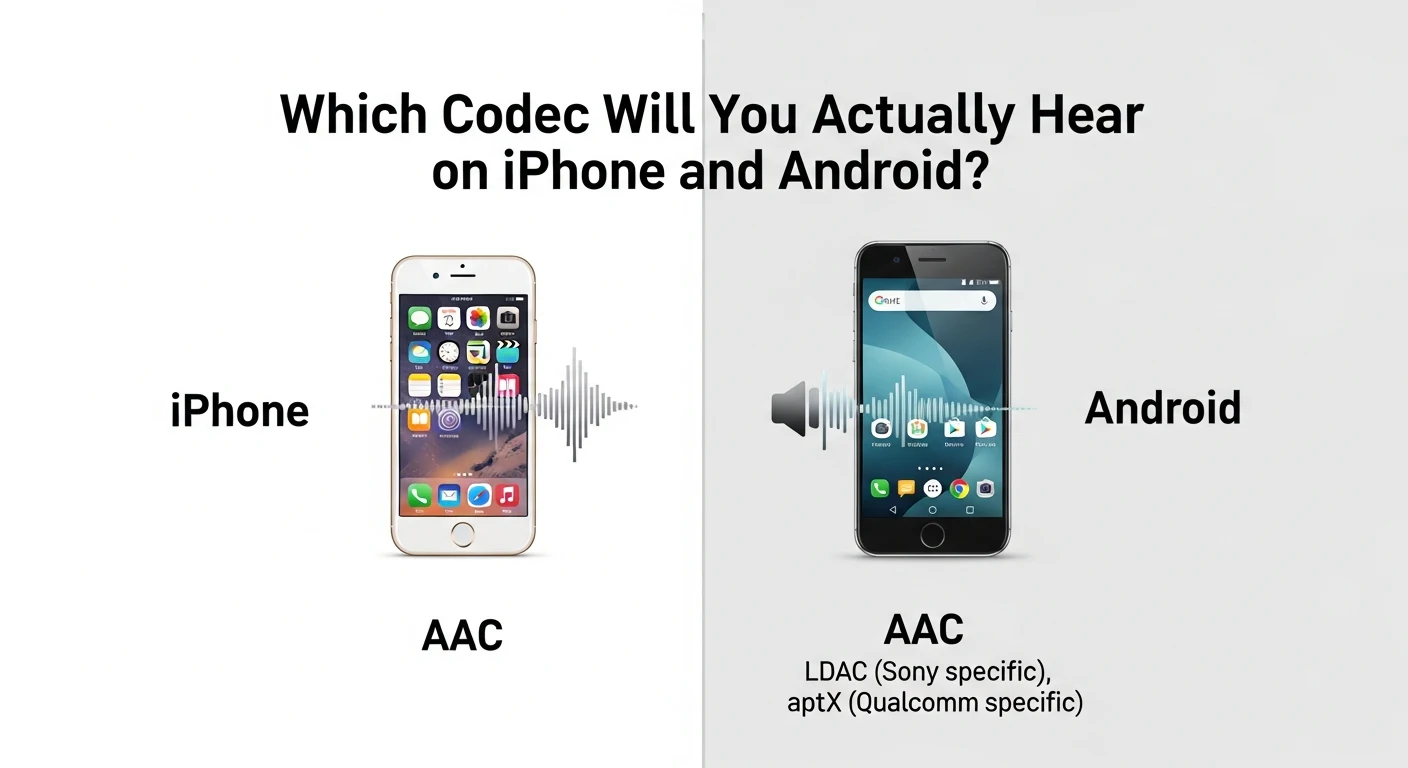
Which Codec Will You Actually Hear?
On iPhone
iPhones default to AAC whenever possible. Even if your headphones support advanced codecs like LDAC or aptX, iOS will use AAC (or fall back to SBC). This creates a consistent but Apple-controlled audio experience where the phone influences sound more than the headphones.
On Android
Android offers more flexibility but less consistency. The system may use AAC if both devices support it, but often falls back to SBC depending on connection stability, phone model, and manufacturer optimizations. Some Android phones support aptX or LDAC for higher-quality options.
Real-World Device Examples
- Good AAC performance: iPhone series, Google Pixel with Qualcomm chips, EarFun Air Pro 4
- Universal compatibility: Most SoundPEATS and Anker models support both
Can You Hear the Difference?
Yes-most people can notice differences between SBC and AAC, especially with:
- Higher-quality headphones or earphones
- Well-recorded music with complex instrumentation
- Direct comparison between the two codecs
AAC typically sounds clearer with better instrument separation and vocal presence. SBC can sound slightly compressed or “muffled” in comparison.
Which Is Better: SBC or AAC?
For sound quality: AAC wins, particularly on Apple devices. It provides clearer, more detailed audio.
For compatibility: SBC wins, working with virtually every Bluetooth device ever made.
For battery life: SBC wins, being more power-efficient.
The Bottom Line
Your ideal codec depends on your devices and priorities:
- iPhone users: AAC delivers the best experience Apple can provide.
- Android users: AAC may sound good, but results vary by phone model.
- Mixed ecosystem users: SBC ensures consistent (if basic) performance across all devices.
- Gamers: Consider low-latency codecs like aptX Adaptive or LC3 instead.
Choosing Earphones Based on Codec Support
When shopping for wireless earphones:
- Check what codecs your phone supports (iPhone = AAC; Android varies)
- Match earphone codec support to your primary device
- Remember: Both devices must support a codec for it to work
- SBC support is guaranteed; AAC support is common but not universal
Quick Buying Tip: If you use both iPhone and Android, choose earphones with both SBC and AAC support like the SoundPEATS Air5 or Air5 Pro.
Most quality earphones today support both SBC and AAC, giving you flexibility across devices.