Hi-Res Audio is just a short way of saying high-resolution audio. It means the audio has more detail than what you’d get from a standard CD. A regular CD has a resolution of 16-bit at 44.1kHz. Hi-Res usually starts at 24-bit and goes up to 96kHz or higher.
Hi-Res Audio isn’t a new format. It’s more of a quality threshold. FLAC, WAV, ALAC, and DSD can all be Hi-Res, as long as they meet the required specs. Most streaming platforms now offer Hi-Res tracks as part of their premium tiers, but the files themselves have been around for a long time.
Hi-Res Audio has to meet a few basic standards. The Japan Audio Society (JAS) and the Consumer Technology Association (CTA) both define it as audio that’s at least 24-bit and sampled at 96kHz or more. If it doesn’t meet those numbers, it doesn’t qualify.
To get the Hi-Res badge, the product or file needs to hit that spec across the board. That includes the source file, the DAC, and the headphones or speakers. If any of those parts fall short, the signal gets downsampled.
What Does “High-Resolution Audio” Actually Mean?
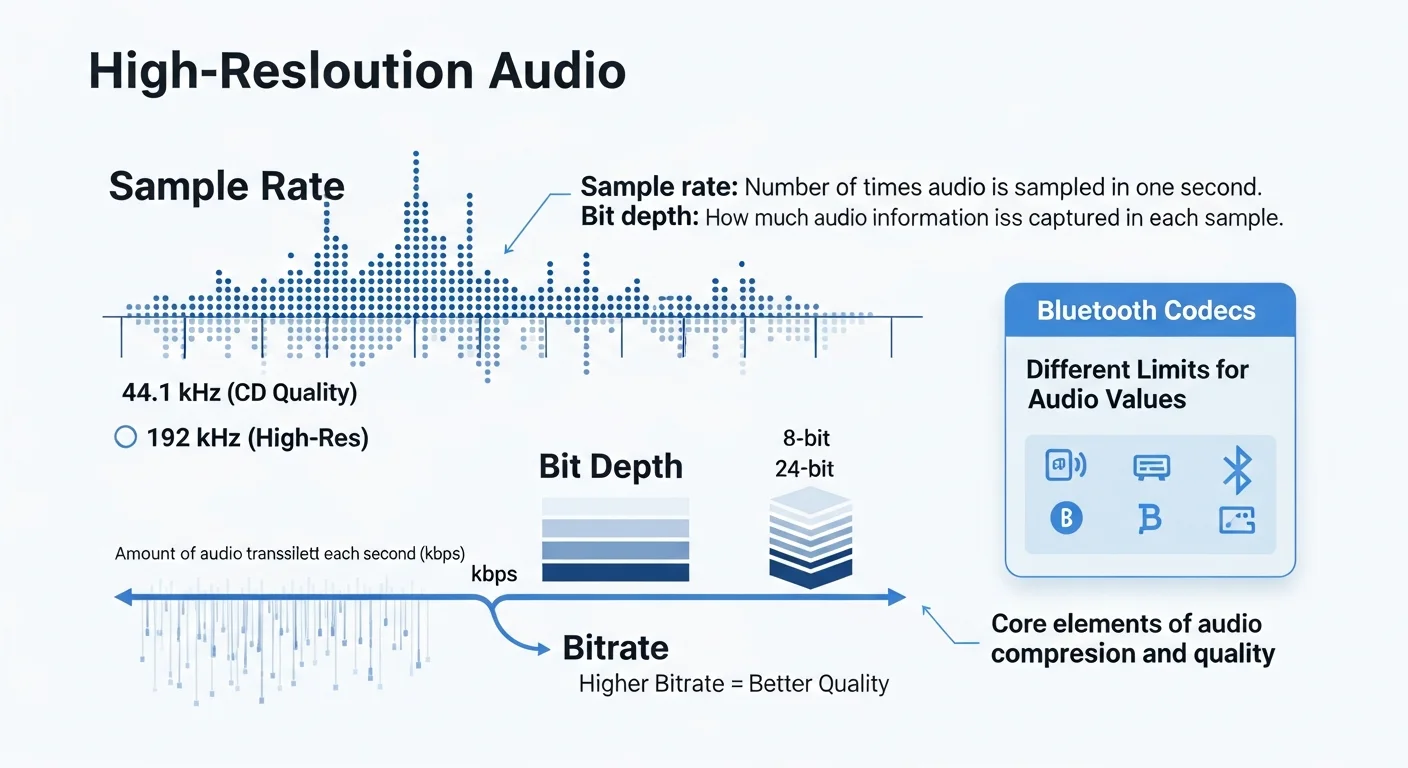
Sample rate
Sample rate is the number of times audio is sampled in one second. In other words, it defines how many thousands of audio samples are taken per second. The more samples are taken, the higher the resolution. CD-quality music uses a sample rate of 44.1 kHz. High-resolution music can use sample rates up to 192 kHz.
Bit depth
Bit depth is how much audio information is captured in each sample. It defines how “deep” each sample is. Higher bit depth means more detail and better sound quality.
Bitrate
Bitrate is the amount of audio data transmitted each second. Bitrate is calculated from sample rate and bit depth. The unit for bitrate is kbps. In simple terms, higher bitrate usually means better sound quality.
Each Bluetooth codec defines different limits for audio-related values. To understand how codecs work, you need to understand the technical values behind them. Sample rate, bit depth, and bitrate are the core elements of audio compression and audio quality, especially when using high-bitrate Bluetooth formats like LDAC.
Hi-Res Audio vs CD Quality vs Lossless
| Audio Type | Bit Depth | Sample Rate | Lossless | Hi-Res |
|---|---|---|---|---|
| CD Quality | 16-bit | 44.1kHz | Yes | No |
| Lossless (CD) | 16-bit | 44.1kHz | Yes | No |
| Hi-Res Audio | 24-bit | 96kHz+ | Yes | Yes |
| Hi-Res Lossless | 24-bit | 96kHz-192kHz | Yes | Yes |
The standard states that Hi-Res Audio is lossless audio that is capable of reproducing the full range of sound from recordings that have been mastered from better than CD quality sources. CD audio is limited to 16-bit at 44.1kHz, which is still considered lossless but sits at the baseline of what it can deliver.
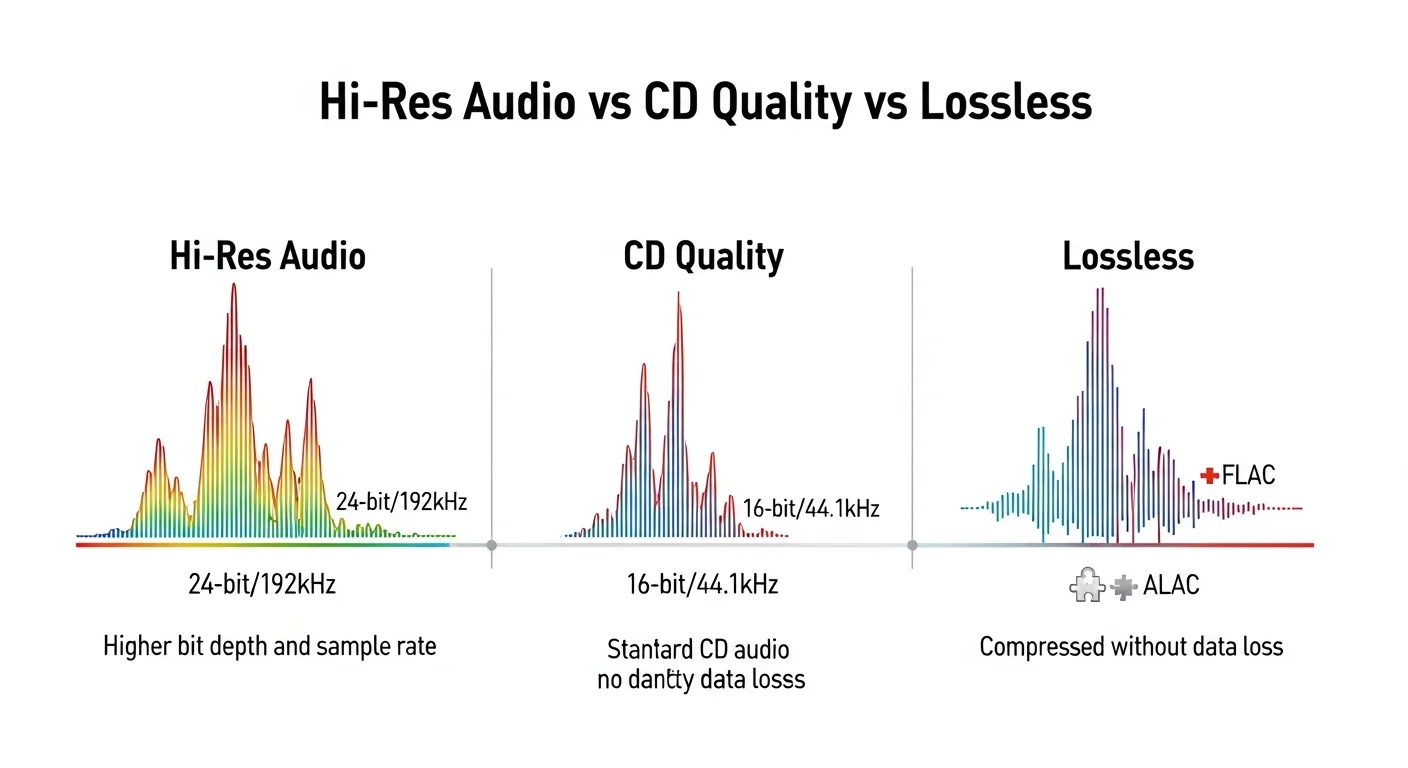
Hi-Res Audio goes beyond CD limits. It uses bit depths greater than 16-bit and sampling frequencies higher than 44.1kHz. High-resolution files typically employ 24 bits per sample, with sample rates that range from 48kHz up to 192kHz. That higher resolution allows more information to be preserved from the original recording.
Hi-Res tracks have to be lossless, but the inverse is not true. CDs are considered lossless and top out at 16-bit/44.1kHz, which puts them just below the Hi-Res barrier, despite being offered in a lossless format.
Hi-Res Audio Formats Explained
| Format | Lossless | Hi-Res Support | File Size |
|---|---|---|---|
| FLAC | Yes | Yes | Medium |
| ALAC | Yes | Yes | Medium |
| WAV | Yes | Yes | Very Large |
| AIFF | Yes | Yes | Very Large |
| DSD | Yes | Yes | Very Large |
| MP3 | No | No | Small |
A lossless file contains all of the original information used to make up the original recording. The track is delivered without loss. Lossless audio does not mean uncompressed, but it does mean the compression process leaves the audio signal intact.
Lossless formats include WAV, ALAC, FLAC, MQA, and WMA Lossless, which are commonly used in hi-fi headphone setups designed for higher audio quality. FLAC is the most common format because it offers solid compression while keeping the original audio data intact.
Lossy compression works by cutting out certain parts of the audio signal to reduce file size. MP3 is the most well-known example, along with AAC, OGG, and WMA. These formats remove information to save space, which is why they do not preserve the same level of detail as lossless files.
How do I play hi-res audio?
Getting hi-res audio into your ears comes down to three things: the source, the playback hardware, and the signal path. You need a hi-res file if you want to listen to hi-res music. Whether it comes from a music streaming service, a downloaded file, or a Pure Audio Blu-ray Disc does not matter.
You also need hardware that can decode and reproduce hi-res audio. It makes no sense to store hi-res files on a device that cannot play them properly. Phones and computers can play most files, but brands are often unclear about the actual resolution their devices deliver.
Using a standalone DAC bypasses the built-in audio hardware and allows proper playback. The signal path is just as important. Sending a hi-res source through low-quality cables, wireless links, or limited codecs results in audio that is no longer hi-res. Using a wired connection is usually enough to keep the full resolution intact.
Hi-Res Audio Music vs Standard Music
Hi-Res Audio is just a short way of saying high-resolution audio. It means the audio has more detail than what you’d get from a standard CD. A regular CD has a resolution of 16-bit at 44.1kHz.
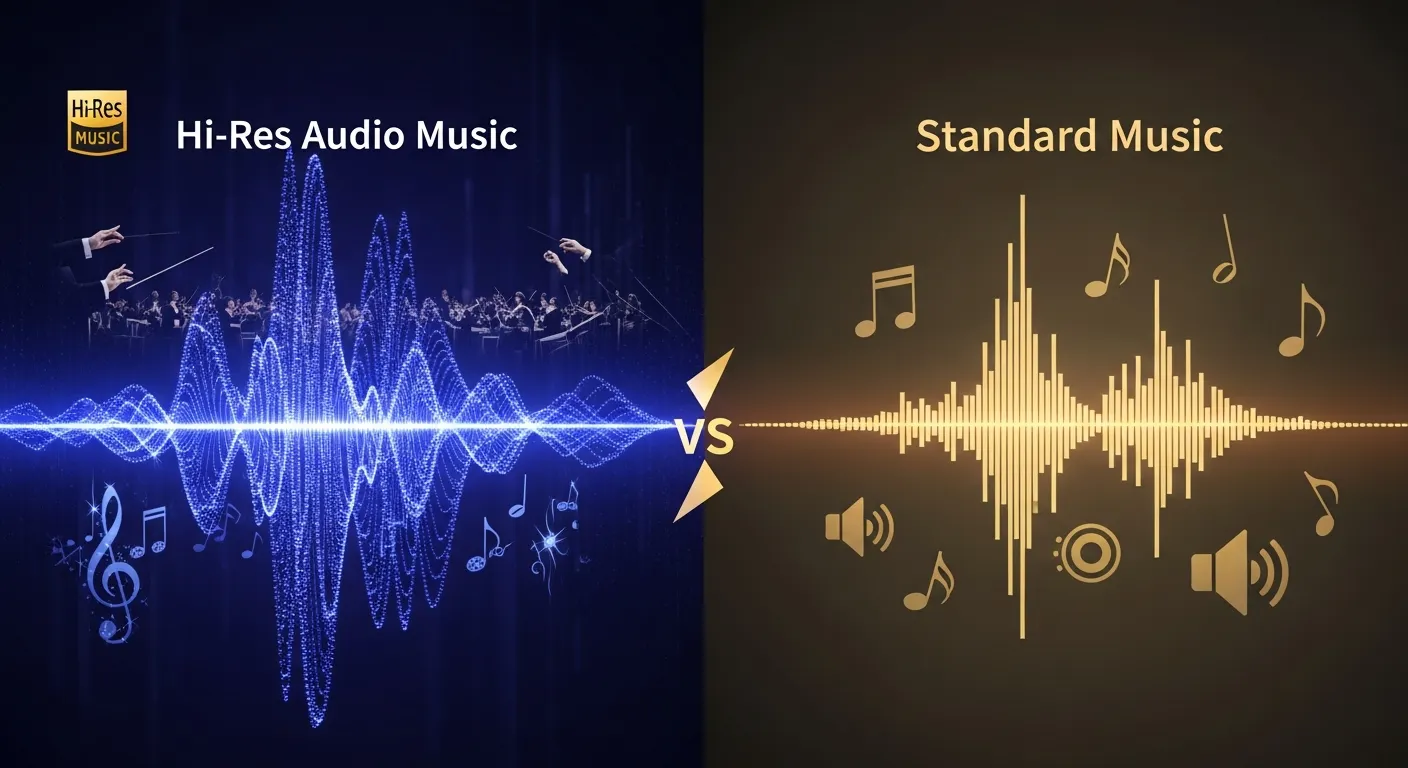
Hi-Res usually starts at 24-bit and goes up to 96kHz or higher. That higher resolution gives the audio more headroom and more room to breathe. It also allows the finer parts of a recording to stay intact. Soft details, echoes, and the way instruments fade out all sound more natural when they aren’t chopped down to save space.
CDs are considered lossless and top out at CD quality 16-bit/44.1kHz, which puts them just below the Hi-Res barrier, despite being offered in a lossless format.
Hi-Res Audio doesn’t magically make everything sound better. If the original recording is clean and well-mixed, Hi-Res will let you hear it the way it was meant to sound.
How do I stream hi-res audio?
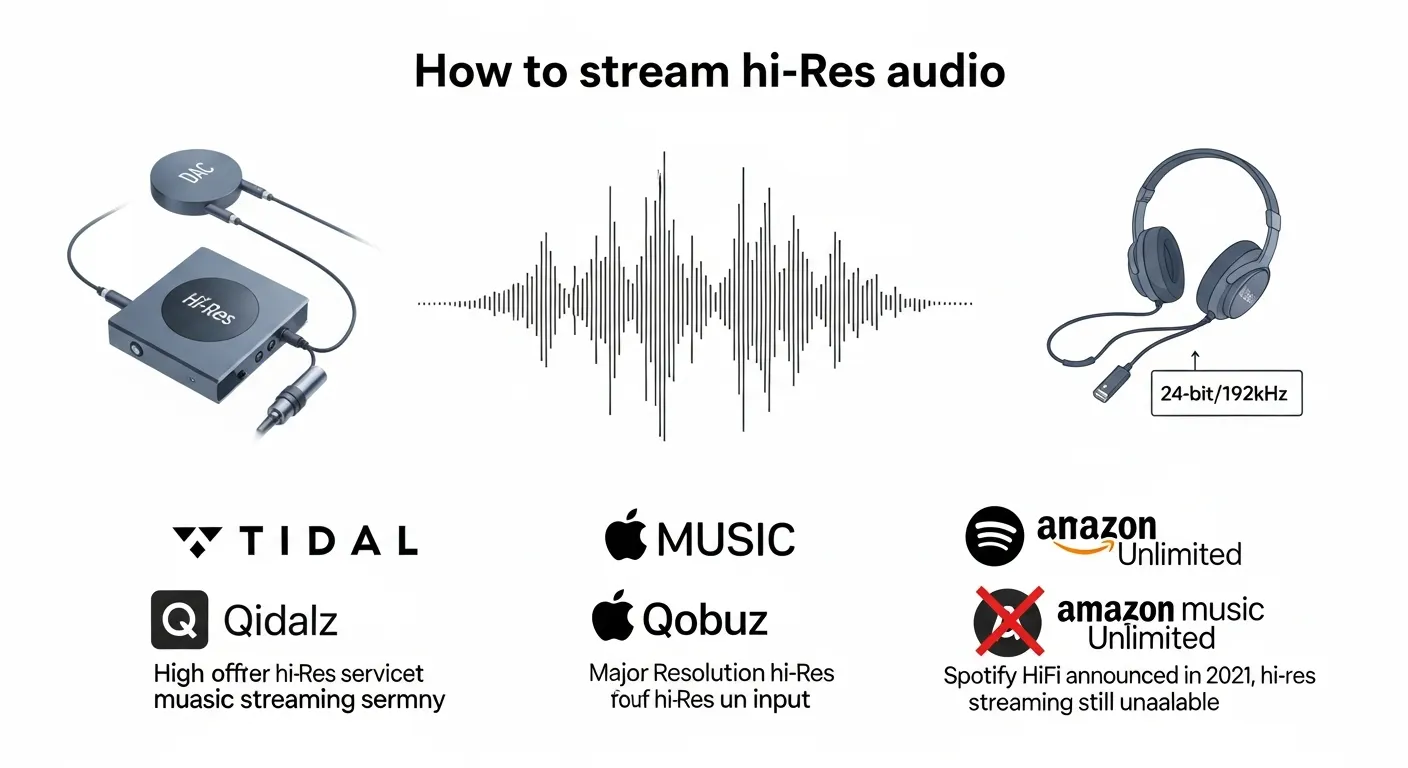
Most major music streaming services now offer hi-res content. This process depends on record labels providing hi-res masters, so progress has been gradual.
Spotify
Spotify is still missing from the hi-res list. The company announced Spotify HiFi in 2021, but hi-res streaming is still unavailable. References to lossless and 24-bit audio suggest that an upgrade could be coming.
Tidal
Tidal offers a large catalogue of lossless music. Hi-res access requires Tidal HiFi or HiFi Plus. HiFi Plus supports up to 24-bit/192kHz and is now available only in FLAC format.
Qobuz
Qobuz has one of the largest hi-res libraries. Many tracks are available in 24-bit/192kHz FLAC even on lower-tier subscriptions. Qobuz also shows the exact quality of each track and offers discounts on hi-res purchases through its Sublime tier.
Apple Music
Apple Music includes lossless ALAC streams, some of which qualify as Hi-Res Audio. Apple Music also offers higher sample rates up to 192kHz. Lossless and Hi-Res Lossless do not deliver full quality over Bluetooth. Wired headphones and a DAC are required for proper playback.
Amazon Music Unlimited
Amazon Music Unlimited includes millions of 24-bit FLAC tracks, with many reaching 192kHz. More than 70 million tracks are available in at least lossless CD quality.
Hi-res audio on smartphones
Android phones generally support hi-res audio playback, while Bluetooth audio works differently on iPhone and Android when it comes to resolution and codec support. Playing hi-res files through phone speakers does not provide the expected results.
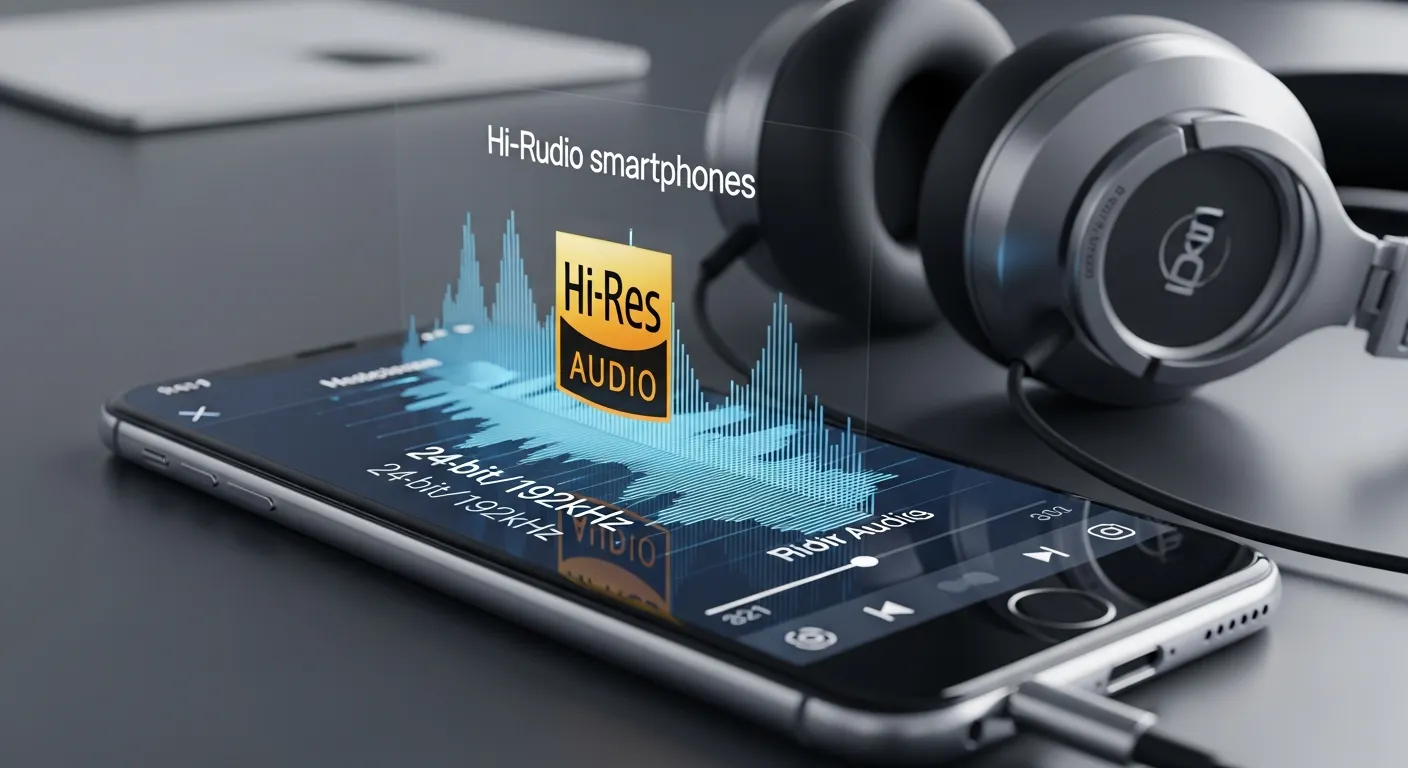
Bluetooth usually limits audio quality. Most codecs use lossy compression, including aptX HD. Snapdragon Sound is an exception and can deliver lossless 24-bit/96kHz audio when both the phone and headphones support it. Snapdragon Sound is not expected to arrive on iPhones.
A wired connection remains the most reliable way to experience hi-res audio. Many phones no longer include a 3.5mm headphone jack, but some models still support it. Every phone benefits from an external DAC, especially when playing hi-res files.
Final notes
There are many ways to play hi-res audio. Most digital platforms support it, and modern hardware is capable of decoding hi-res files. Getting the best results depends on the full audio chain.
You need a hi-res source, compatible hardware, and a signal path that supports hi-res audio. Using a wired connection is usually enough to ensure full resolution. Differences in formats, devices, and manufacturers can still limit results.
FAQ: Hi-Res Audio
What is Hi-Res Audio?
Hi-Res Audio refers to audio that goes beyond CD quality. CD audio is limited to 16-bit at 44.1kHz. Hi-Res Audio usually starts at 24-bit and 96kHz.
Is Hi-Res Audio the same as lossless?
No. Lossless refers to compression. Hi-Res refers to resolution. A file can be lossless and still be limited to CD quality.
What is Hi-Res Lossless?
Hi-Res Lossless means the audio is lossless and recorded above CD limits.
Can Bluetooth play Hi-Res Audio?
Usually not. Most Bluetooth codecs use lossy compression, which limits audio quality.
Do you need a DAC for Hi-Res Audio?
Yes. A DAC is required to decode and output Hi-Res Audio properly.
Is Hi-Res Audio worth it?
It depends on the recording and the hardware. On limited setups, the difference can be hard to hear.