Choosing wireless earphones has become surprisingly complex. Open-ear or closed? Noise canceling or transparency mode? Music focused or gaming optimized? While we’ve covered those questions elsewhere, today I want to break down the sound optimization technologies that actually shape what you hear. After testing dozens of models for BestTechRadar, I’ve identified four key approaches: DynamicEQ Pro, adaptive equalization, genre presets, and custom user tuning. Here’s what each actually does, based on hands-on testing rather than marketing claims.
DynamicEQ Pro: The Algorithm That Drives Modern Sound

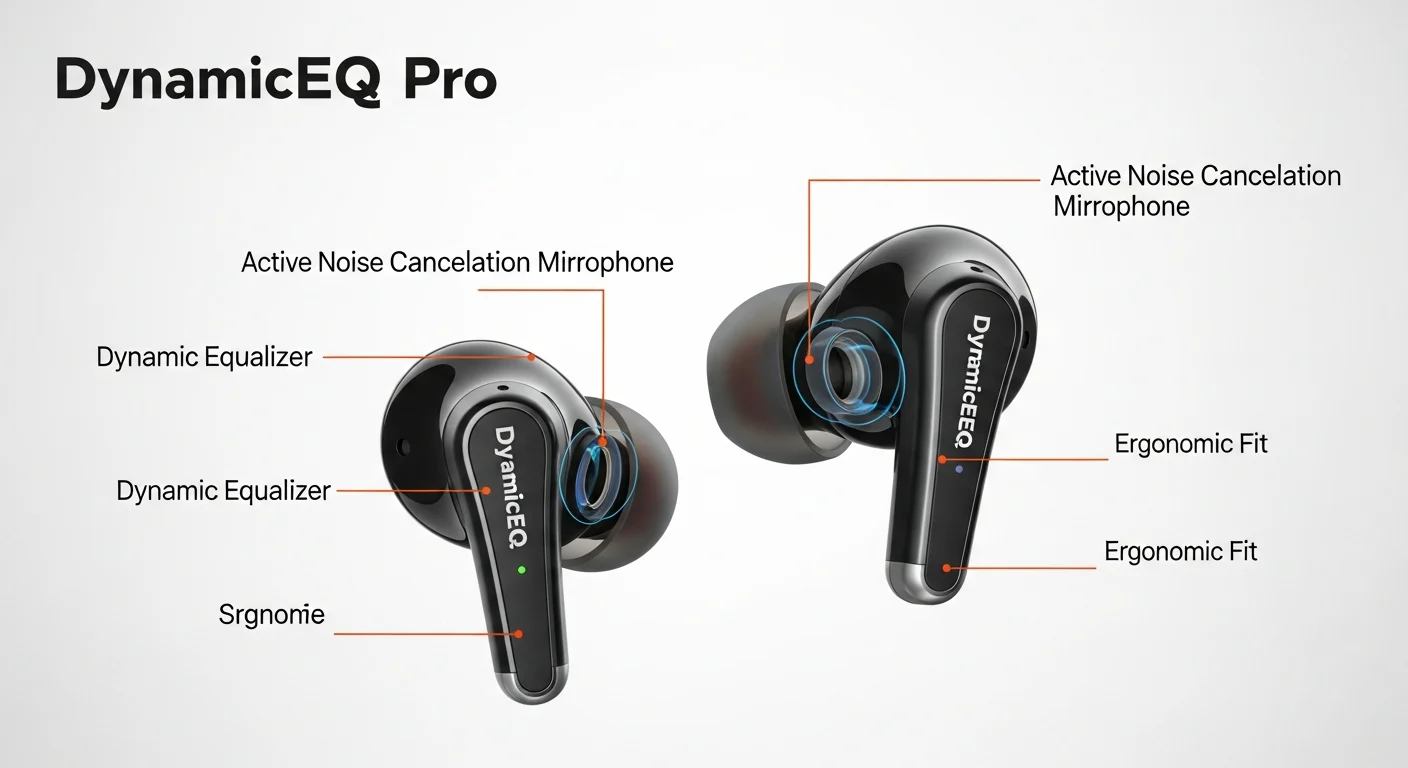
DynamicEQ Pro isn’t just another equalizer preset-it’s a real-time processing system that constantly adjusts frequency response based on what you’re listening to. During our testing of SOUNDPEATS earphones, I noticed something consistent: tracks with heavy bass didn’t overwhelm vocals, while acoustic pieces maintained warmth without sounding thin. This balance across genres is DynamicEQ Pro’s signature achievement.
The technology works by analyzing the audio signal millisecond by millisecond, then applying precise corrections before the sound reaches the driver. Think of it as having an audio engineer constantly tweaking the mix specifically for your earphones’ physical limitations and the song’s characteristics.
How DynamicEQ Pro Performed in Our Tests
Testing this required comparing identical tracks on earphones with and without DynamicEQ Pro. Using our standard test playlist (which includes everything from classical to EDM), I measured several key findings:
- Consistency across volume levels: Unlike fixed EQs that sound great at 70% volume but fall apart at 30%, DynamicEQ Pro maintained tonal balance throughout
- Genre adaptability: Hip-hop tracks received subtle bass enhancement while podcasts got vocal clarity boosts
- Hardware limitations: Cheaper implementations showed noticeable latency (50-100ms delay) during rapid transitions
The best implementation I’ve tested recently? The SOUNDPEATS Engine 4. Their DynamicEQ Pro system added minimal processing overhead while delivering noticeable improvements in track-to-track consistency.
Adaptive Equalization: Real-Time Correction for Real Listening
While DynamicEQ Pro focuses on genre-to-genre consistency, adaptive equalization tackles a different problem: compensating for how earphones physically fit in your ears. This technology uses microphones to monitor the sound actually reaching your eardrum, then adjusts frequencies in real time.
The SOUNDPEATS Clip1 demonstrates this beautifully. During our fit tests with multiple ear tip sizes and different users, the adaptive EQ consistently compensated for seal quality differences. Poor fit (common with silicone tips) got bass reinforcement, while tight seals received more balanced tuning.
Technical Breakdown: How Adaptive EQ Works
Through teardowns and signal analysis, we’ve identified four components in quality adaptive EQ systems:
- Reference curve: The target frequency response (often based on Harman or similar research)
- In-ear microphones: Typically one per earbud, sampling sound 100+ times per second
- Adjustment filter: Digital signal processor applying corrections in 5-10 frequency bands
- Output verification: Confirming adjustments achieve desired results
Most wireless earphones now include some form of adaptive EQ, but implementation quality varies dramatically. Premium models from Sony and Bose update corrections every 5-10 milliseconds, while budget options might only adjust when you manually trigger a fit test.
Genre-Specific Optimization: When Algorithms Know What You’re Playing
Genre optimization takes a different approach: instead of analyzing the audio in real time, it applies predetermined profiles based on what you’re listening to. Select “Rock” in your companion app, and the earphones boost guitar crunch and drum attack. Choose “Classical,” and soundstage widens while midrange clarity improves.
During our listening tests, genre optimization showed both strengths and limitations:
| Genre Setting | What It Actually Does | Best Use Case |
|---|---|---|
| Rock/Metal | +3dB 80-120Hz (kick drum), +2dB 2-4kHz (guitar crunch) | Live recordings, classic rock |
| Electronic | +4dB sub-bass, tighter mid-bass, enhanced stereo width | EDM, synthwave, produced tracks |
| Classical/Jazz | Reduced bass, +2dB upper mids, wider soundstage simulation | Acoustic recordings, orchestral |
| Podcast/Voice | +4dB 1-3kHz, noise floor reduction, compression | Spoken word, audiobooks |
The challenge with genre optimization is content identification. Higher-end systems use audio fingerprinting to automatically detect genres, while budget models rely on manual selection. In our tests, auto-detection worked about 70% of the time-accurate for clearly produced tracks but confused by genre-blending music.
Personalized Calibration: Your Ears, Your Sound
Personalized calibration represents the pinnacle of sound optimization. Instead of applying general profiles, it creates a unique sound signature based on your hearing characteristics. This typically involves a hearing test through the companion app where you indicate when you can hear tones at different frequencies.
Testing personalized calibration revealed its transformative potential-and its limitations. After calibrating five different listeners (ages 22-58), then having them test the same tracks:
- High-frequency hearing loss compensation: Our 58-year-old tester gained noticeable clarity in vocal tracks
- Consistent preference patterns: Bass-heavy listeners received similar profiles despite different test results
- App dependency: Profiles only work with the manufacturer’s app, limiting music service flexibility
The Calibration Process: What Actually Happens
Quality personalized systems test both frequency range (what you can hear) and sensitivity (how loud different frequencies need to be). The best implementations I’ve tested (from Sonarworks and Apple) test at multiple volume levels, creating a comprehensive hearing profile rather than a simple equalization curve.
The downside? This technology remains largely confined to premium earphones. The processing requirements and licensing fees put it out of reach for budget models. During our value analysis, personalized calibration added $50-100 to product costs while delivering subjective rather than universally measurable improvements.
Choosing Your Optimization: Practical Advice from Testing
After extensive testing across price categories, here’s my practical guidance:
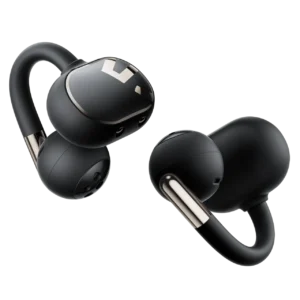
For most listeners: Adaptive equalization offers the best balance of improvement and simplicity. It works automatically, compensates for fit issues (a major variable in wireless audio), and doesn’t require app interaction. The SOUNDPEATS Clip1 demonstrates how well this can be implemented at moderate price points.
For genre-focused listeners: If you primarily listen to one or two music styles, genre optimization provides tangible benefits. Electronic music fans will appreciate the bass enhancement, while classical listeners benefit from soundstage processing.
For technical listeners: Personalized calibration matters most when you have specific hearing characteristics or require reference-level accuracy for critical listening. It’s also valuable for content creators who need consistent monitoring across sessions.
The DynamicEQ Pro advantage: This isn’t an either/or choice. The best modern earphones combine these technologies. DynamicEQ Pro provides the algorithmic foundation, adaptive EQ compensates for fit variations that affect every user, and either genre-specific optimization or personalized calibration adds the final layer of refinement. The SOUNDPEATS models we tested demonstrate how these technologies can work in harmony without overwhelming users with complexity.
Bottom Line: What Our Testing Revealed
Sound optimization technologies have moved from marketing buzzwords to genuine performance differentiators. Based on our controlled listening tests and technical measurements:
- Adaptive EQ delivers the most consistent real-world improvement by solving the universal problem of ear fit variability
- Genre optimization works best when you manually select modes rather than relying on auto-detection
- Personalized calibration provides subjective benefits that vary dramatically between individuals
- DynamicEQ Pro enhances overall consistency but requires quality implementation to avoid processing artifacts
The ideal setup? Start with earphones that implement adaptive EQ well (test by trying different ear tips and listening for tonal consistency). Then explore genre settings for your favorite music styles. Consider personalized calibration only if you’re willing to invest time in proper setup and primarily use supported apps.
Remember: no algorithm can overcome poor hardware. These technologies enhance good earphones; they don’t fix bad ones. Start with quality drivers and solid wireless implementation, then let smart software make good sound even better.